


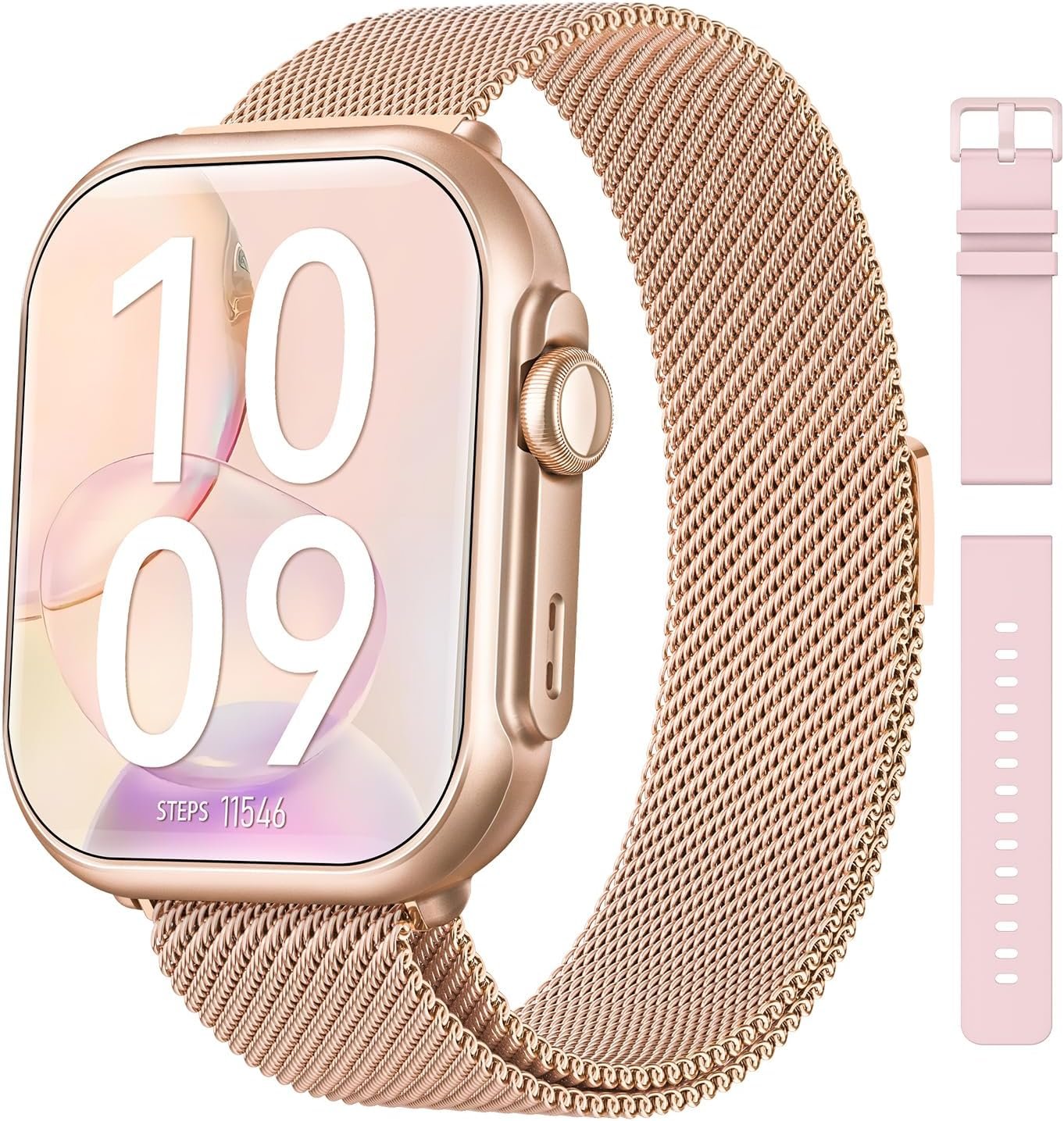


Product description


Why choose the G62 smartwatch?
30-day battery life
Multiple watch faces and straps
Health data tracking
Bluetooth call and message notifications
How to charge the smartwatch
*Please charge it before using it for the first time and press and hold the button for 5 seconds.
Add Sport modes and Change Unit Settings
Add Sport modes:Go to FitCloudPro App > Device > Workout Push > Choose sports > Sync to Watch
chang unit: Open FitCloudPro App > My > Units > change uint
Bluetooth Connection
Open the FitCloudPro app → Create account or login(or skip)→ Tap “Devices” → Select “Find Nearby Devices”→ Choose “G62 Smartwatch” → Tap “Connect”
Bluetooth Connection
Open the FitCloudPro app → Create account or login(or skip)→ Tap “Devices” → Select “Find Nearby Devices”→ Choose “G62 Smartwatch” → Tap “Connect”

1


Reviews
There are no reviews yet.